Choose the task before choosing the number of groups
A random group maker can remove repetitive sorting, but it cannot design the learning activity. Start by naming the output: a shared answer, a demonstration, a short explanation or a comparison of ideas. Then decide how many learners can participate meaningfully within the available time. A group of six may divide a practical job; it may be too large for a two-minute discussion.
Work backwards from the time. A fifteen-minute slot might need two minutes for instructions, eight for the task, three for sharing and two for a closing check. If the full fifteen minutes are assigned to group work, transitions and reporting will overrun. Make the task visible before announcing groups so movement is connected to a purpose.
Random allocation is useful for a fresh mix. It does not establish that every resulting group is appropriate for every lesson. Access needs, language support, safeguarding and classroom relationships still require the teacher’s judgement. Review the proposed arrangement before announcing it.
Understand “number of groups” and “maximum group size”
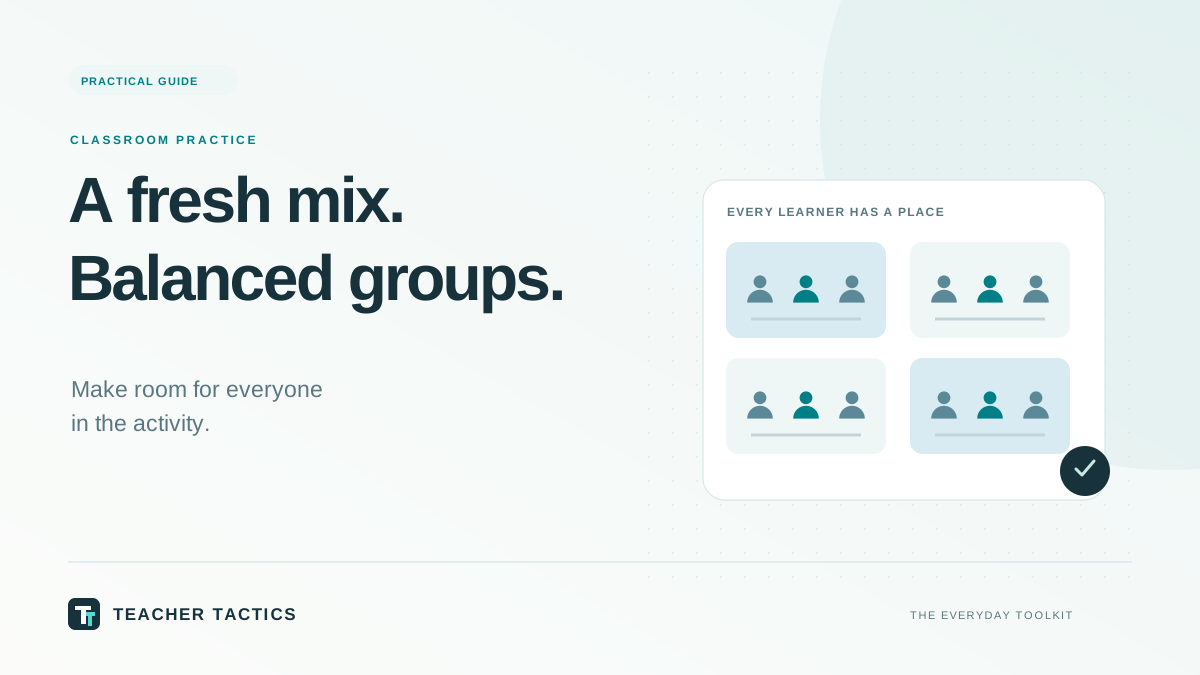
These are different requests. “Five groups” asks the tool to divide the class into five balanced groups. “At most five learners per group” asks it to choose enough groups that none exceeds five. The distinction matters when the class count changes because of absence.
| Class list | Setting | Balanced result |
|---|---|---|
| 23 learners | Maximum group size 5 | Five groups: 5, 5, 5, 4, 4 |
| 23 learners | Four groups | Four groups: 6, 6, 6, 5 |
| 17 learners | Maximum group size 4 | Five groups: 4, 4, 3, 3, 3 |
| 12 learners | Three groups | Three groups: 4, 4, 4 |
Balanced sizes differ by at most one. A simple “fill each group, then use leftovers” method could produce 5, 5, 5, 5 and 3 for 23 learners. That is not the same balance as 5, 5, 5, 4 and 4. Think about workload as well as arithmetic: one group should not have a much smaller workforce for the same task.
Prepare the list so no learner disappears
Use one learner per line. Roll numbers are often sufficient for an in-class activity and avoid displaying a full class list unnecessarily. Remove blank labels, make sure absent learners are excluded when appropriate, and check the total before creating groups. If you use names, distinguish matching names clearly.
A matching name is not proof of an accidental duplicate. Two learners may share a name, so a tool that silently deletes duplicate strings could remove a real person. Conversely, pasting the same roll number twice may create a genuine mistake. Check the underlying register rather than expecting a randomiser to decide which entries are real.
- Does the displayed total match the learners participating today?
- Is every line one learner rather than a heading or comment?
- Are matching names distinguishable using the school’s usual identifier?
- Is each learner present exactly once in the reviewed result?
- Can the list be displayed without revealing unnecessary personal information?
When you copy the output elsewhere, preserve the group boundaries. A plain list of all names with no headings can lose the arrangement. Before printing, check the number of groups and whether a group is split over pages.
Turn a list into a workable eight-minute activity
For a concrete example, give each group a short passage and ask for two pieces of evidence supporting a statement. During the first minute, each learner reads or inspects the material. Over the next four minutes, the group compares evidence and selects two examples. A recorder writes them down. In the final three minutes, the group prepares one concise explanation and checks that every member can explain its choice.
Roles help only when they have a real job. A reader can identify relevant lines; a recorder can capture the agreed answer; a checker can ask whether the evidence supports the statement; a reporter can share the reasoning. For a group of three, combine roles sensibly. Rotate recurring roles across lessons so the same learners do not always speak or write.
Tell learners what completion looks like. “Discuss this” is difficult to monitor. “Choose two examples, write one sentence explaining each, and prepare to justify one choice” gives the group a shared finish line. A timer can support pacing, but the teacher can pause or extend the activity when the learning requires it.
Review the random result without pretending it knows the class
A shuffle uses the supplied entries and the chosen size rule. It does not know who needs a quieter workspace, who needs a particular access arrangement or which combinations require close supervision. Make necessary changes before the groups move, and check the sizes again after a manual adjustment.
Randomness also does not promise that every pair will be new each lesson. Repeated shuffles can repeat combinations. If avoiding a particular pairing is essential, treat it as an explicit teacher decision or use a tool designed for that constraint. Do not keep reshuffling until an unstated preference happens to appear and describe the result as an impartial selection.
For assessment, separate participation from the quality of the group’s final answer. A group output can conceal individual misunderstanding. Add a short individual exit response or ask different members to explain the evidence. This is a lesson-design choice; the group maker itself does not assess learning or assign ability.
Close the loop and clear the working data
End by connecting the group task to the intended learning. Ask what evidence changed an initial idea, which step was difficult or what would improve the explanation. A brief review makes the transition back to whole-class teaching deliberate rather than simply stopping when the timer ends.
The Teacher Tactics group maker works in the browser and does not save or upload the list. Refreshing, clearing or leaving removes its working state, subject to browser form restoration. Copies placed on the clipboard, printed or downloaded are separate. On a shared school computer, clear the working list, close the tab and handle saved copies according to the school’s process.
The useful routine is consistent: define the task, prepare the actual participant list, choose the grouping rule, review the arrangement, explain roles and output, run the activity, then check learning. The randomiser saves a small administrative step while you remain responsible for the classroom decisions.